Why Keystone
Not another LMS. Not a chatbot.
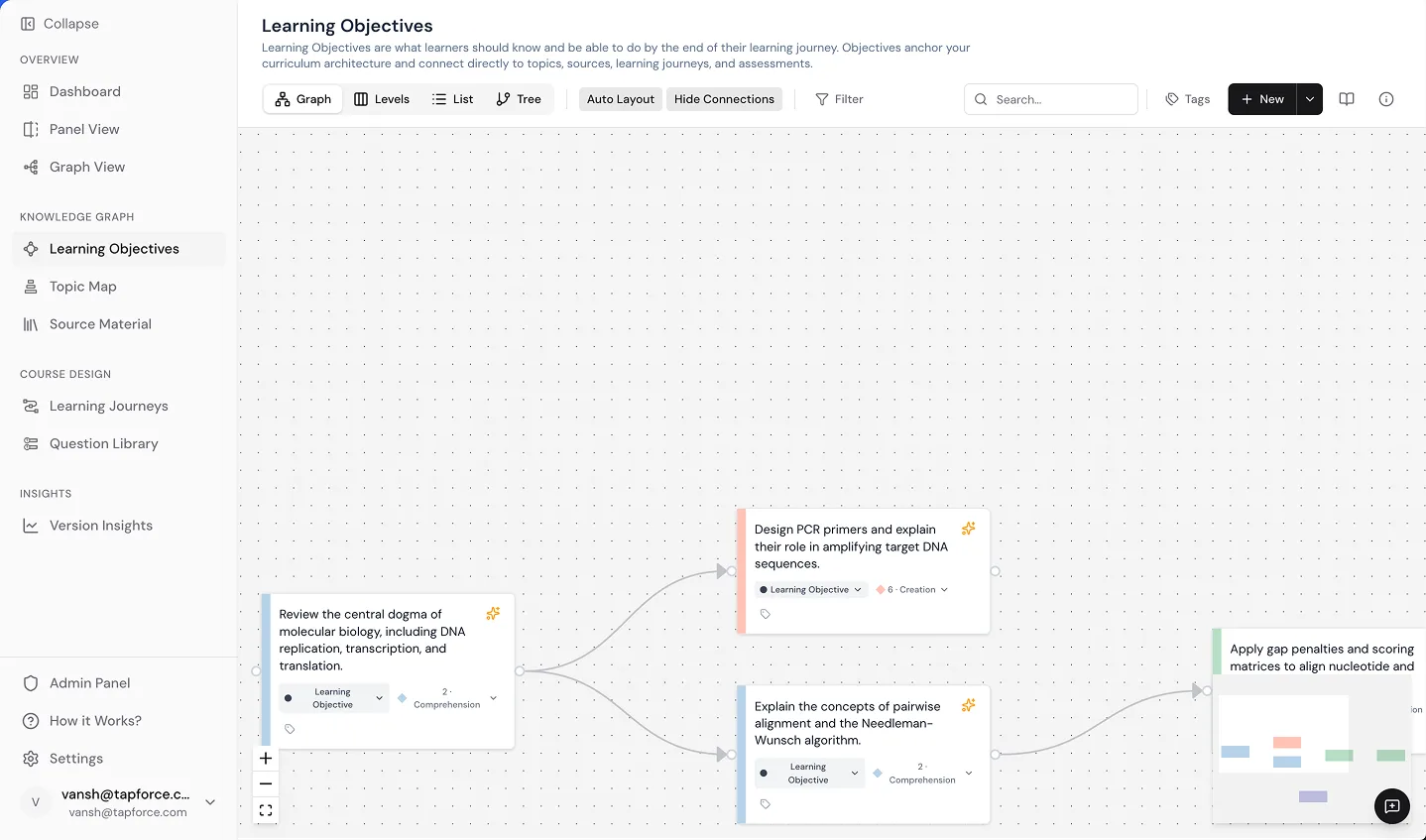
Keystone is the layer underneath the structure your curriculum runs on, turning fragile courses into connected, outcome-traceable knowledge systems.
Grounded
Structured
Traceable
The layer underneath the structure your curriculum runs on.
An LMS assumes curriculum is finished. Keystone assumes it is never finished—and gives it a structure that can change without losing traceability.
Keystone vs. Generic AI
| Capability | Generic AI | Keystone |
|---|---|---|
| Lecture generation speed | Fast | Fast |
| Grounded in your source material | Relies on internet and general training data | Grounded only in your uploads |
| Bloom’s taxonomy awareness | None | Native Bloom’s tagging & validation |
| Accreditation audit trail | None | Full audit trail of all changes |
| Structured curriculum output | Plain unstructured text | Knowledge graph, LOs, & assessments |
| LMS delivery | None | Built-in LTI 1.3 delivery |
| Multi-tenant for institutions | Single user only | Workspaces, RBAC, & branding |
Generic AI is a writing tool. Keystone is a curriculum platform.
Keystone vs. Legacy LMS
| Capability | Legacy LMS | Keystone |
|---|---|---|
| Course delivery | Primary purpose | Delivers via LTI directly into your LMS |
| Curriculum design & blueprinting | Minimal or absent | Core architectural feature |
| AI curriculum generation | None or basic plugins | 20+ purpose-built curriculum pipelines |
| Source library with AI indexing | None | Native semantic indexing across all files |
| Bloom’s taxonomy automation | None | Built-in cognitive classification |
| Assessment authoring | Basic question forms | AI-powered and mapped to learning objectives |
| Accreditation documentation | Manual documentation gathering | Automated real-time compliance logging |
Your LMS delivers courses. Keystone designs and builds them. They work together.
Keystone vs. Excel + Google Docs
| Capability | Manual Workflow | Keystone |
|---|---|---|
| Course blueprint creation | 2 to 4 weeks in spreadsheets | Under 1 hour with AI and bulk import |
| Lecture authoring | Multiple days per lecture | Under 3 minutes per lecture plus review |
| Assessment creation | Weeks per question pool | 15 minutes per quiz bank |
| Accreditation prep | Weeks of manual audits | Continuous automated validation |
| Single source of truth | Scattered across files and inboxes | Unified institutional platform |
| Version control | Manual file naming conventions | Built-in curriculum version control |
| Error rate from handoffs | High risk of misalignment | Eliminated through connected workflows |
Your team stops managing tools. They start managing curriculum.
Keystone vs. Authoring Tools
| Capability | Authoring Tools | Keystone |
|---|---|---|
| Course structure design | Static slide templates | Knowledge graphs with prerequisite mapping |
| AI curriculum generation | Absent or generic text wrappers | 20+ purpose-built pipelines grounded in your sources |
| Bloom’s taxonomy | Manual objective tagging | Automated classification with 90% accuracy |
| Source material integration | Attached as passive media files | AI indexes, understands, and authors directly from sources |
| Multi-tenant | Limited desktop or single-seat licenses | Scalable institutional architecture |
| LMS integration | Static SCORM packages with broken update cycles | Bidirectional LTI 1.3 with real-time sync |
| Assessment intelligence | Manual question drafting | Automated questions aligned with Bloom’s taxonomy |
Authoring tools help you format lessons. Keystone designs the curriculum behind them.
See the difference in your own curriculum.
The best way to understand Keystone is to see your own programs inside it.
The first time you use Keystone is the last time you start over.